Shortcodes
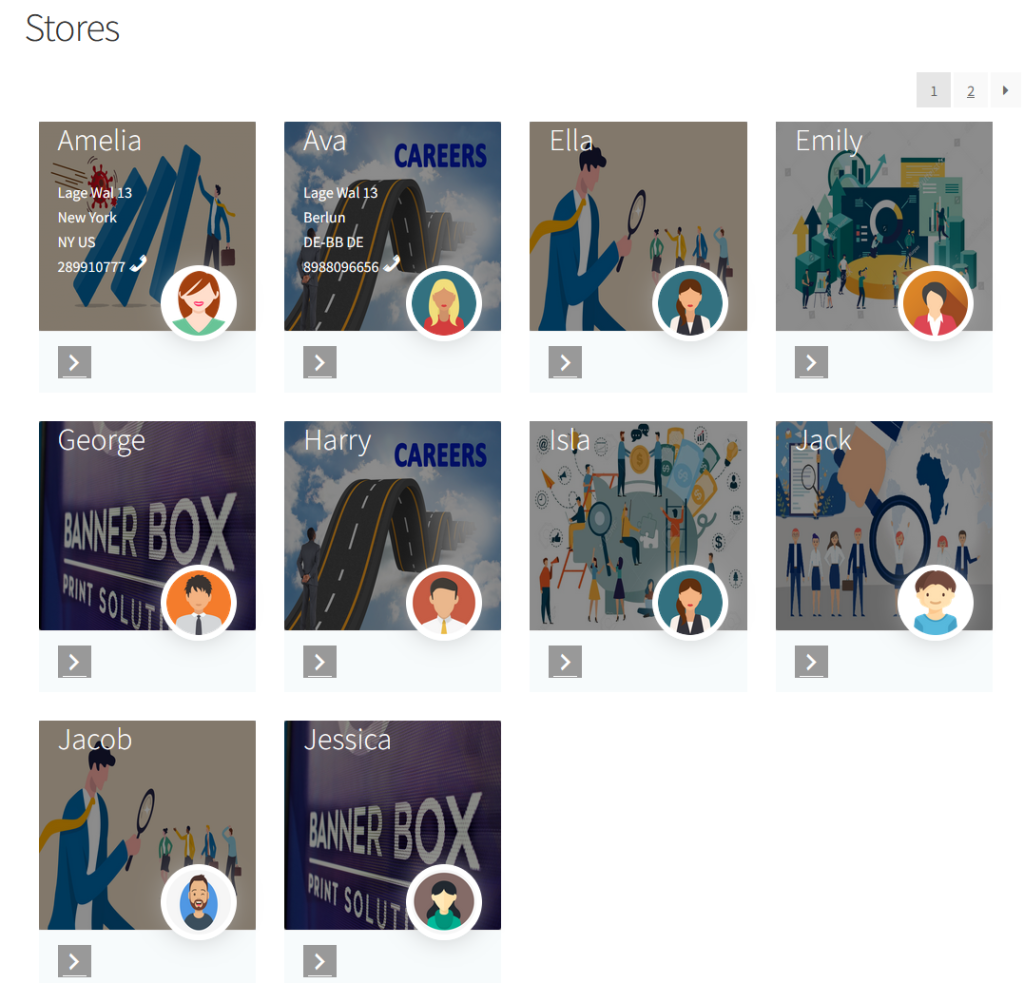
“bazaar_all_vendors” add this shortcode to display all vendor.
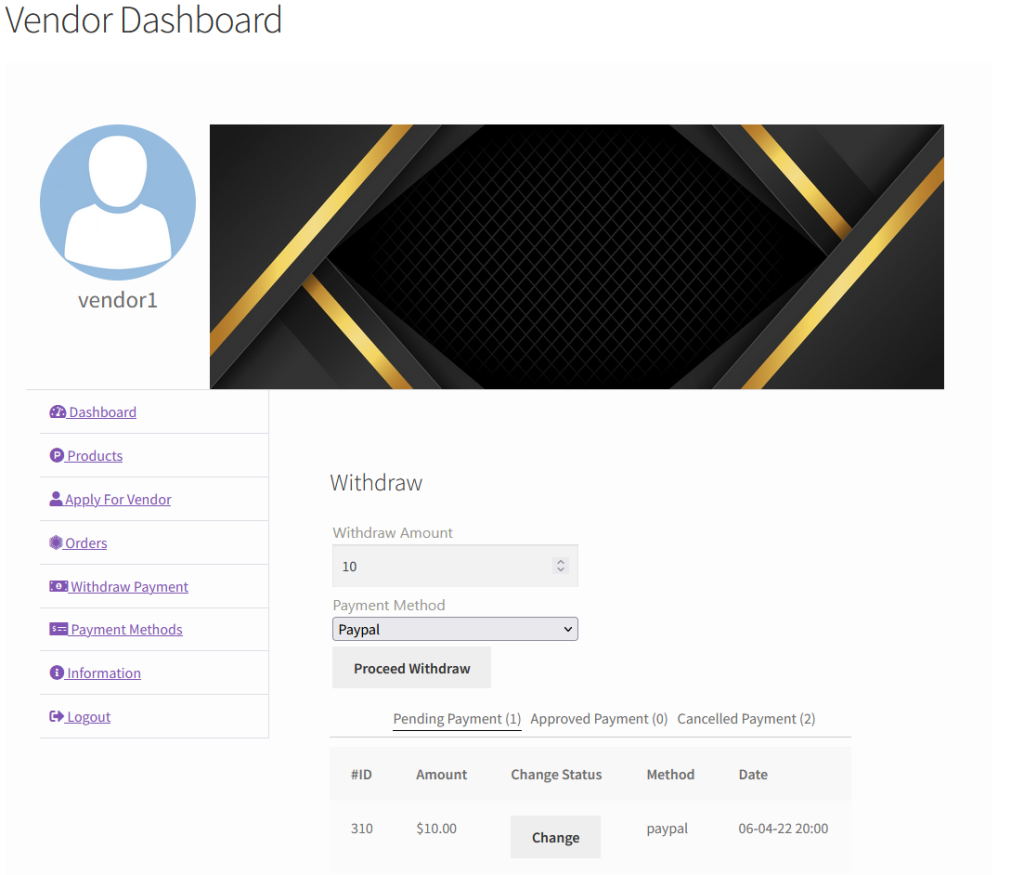
“bazaar_vendor_dashboard” add this shortcode to display vendor dashboard.
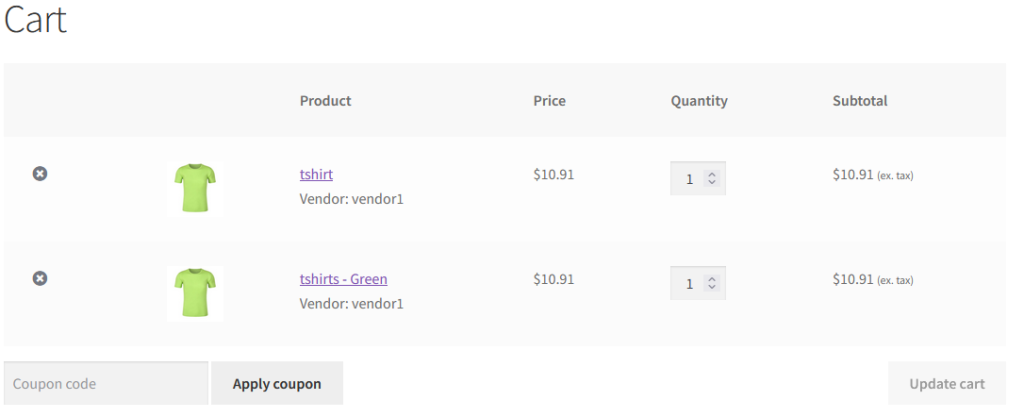
Vendor Product in cart
Vendor name with the product in the cart page.
Listing all vendor.
Layouts
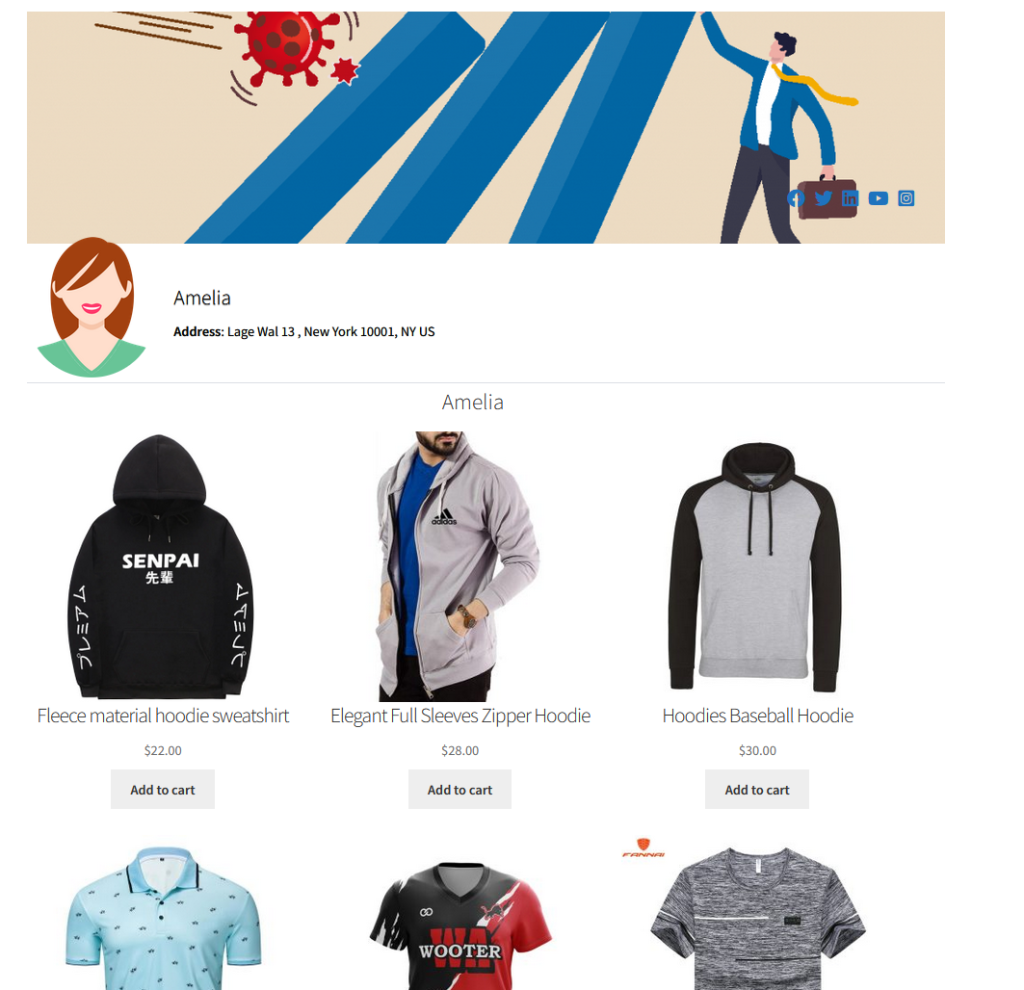
Three types of Vendor store template. There is option to enable/disable or position left/right the sidebar.
Layout 1
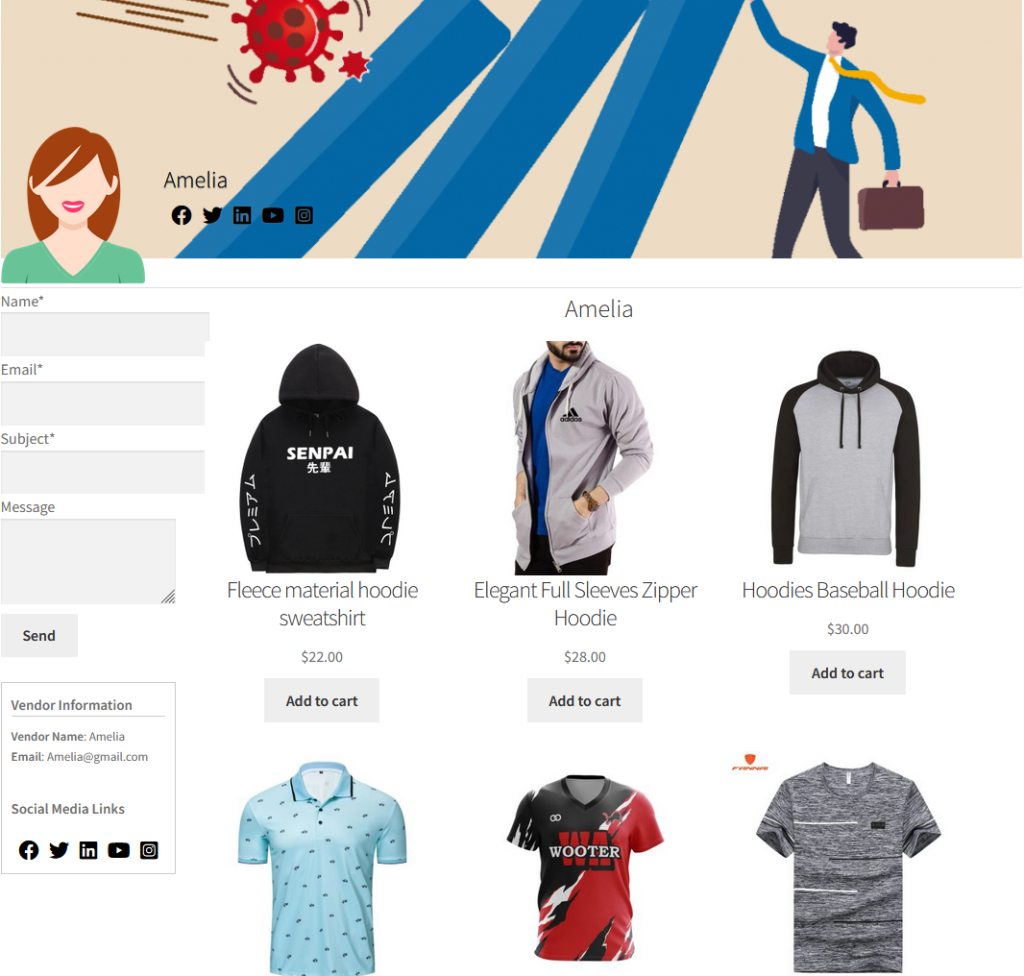
Layout 2
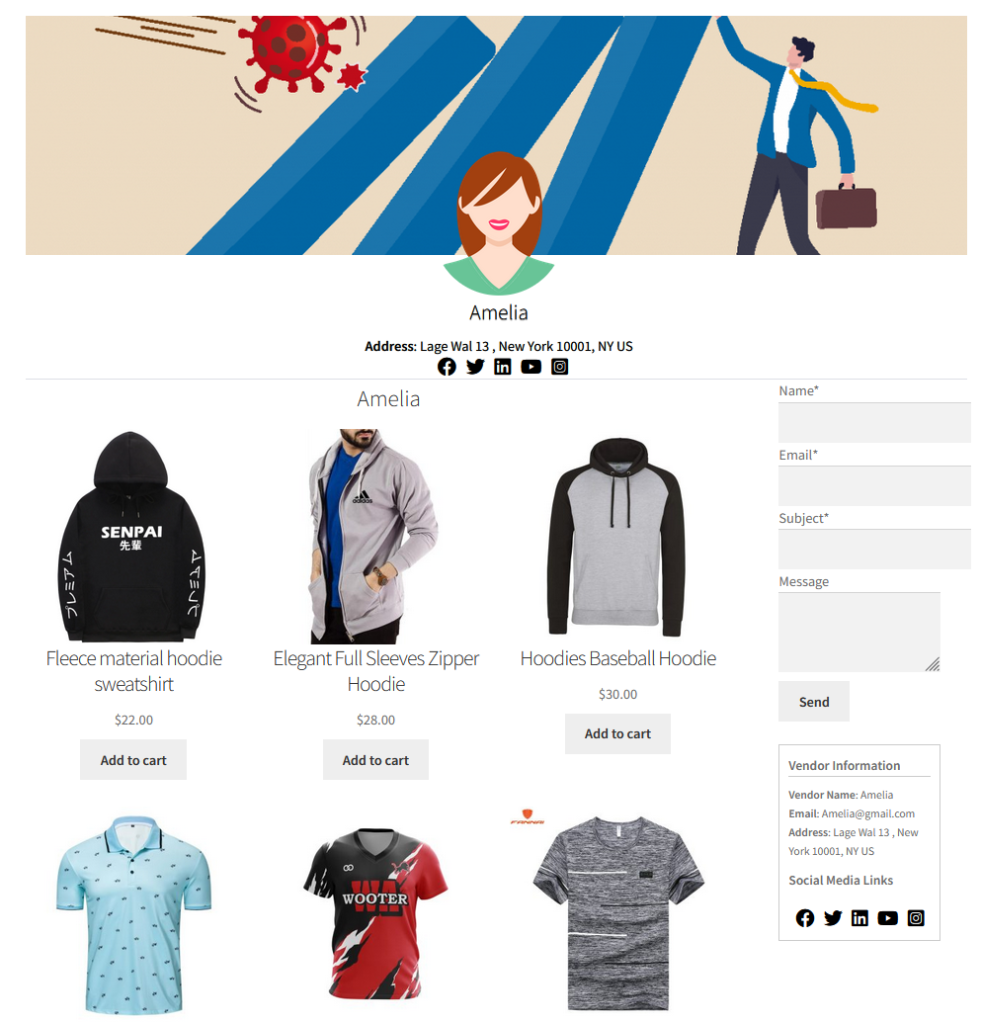
Layout 3
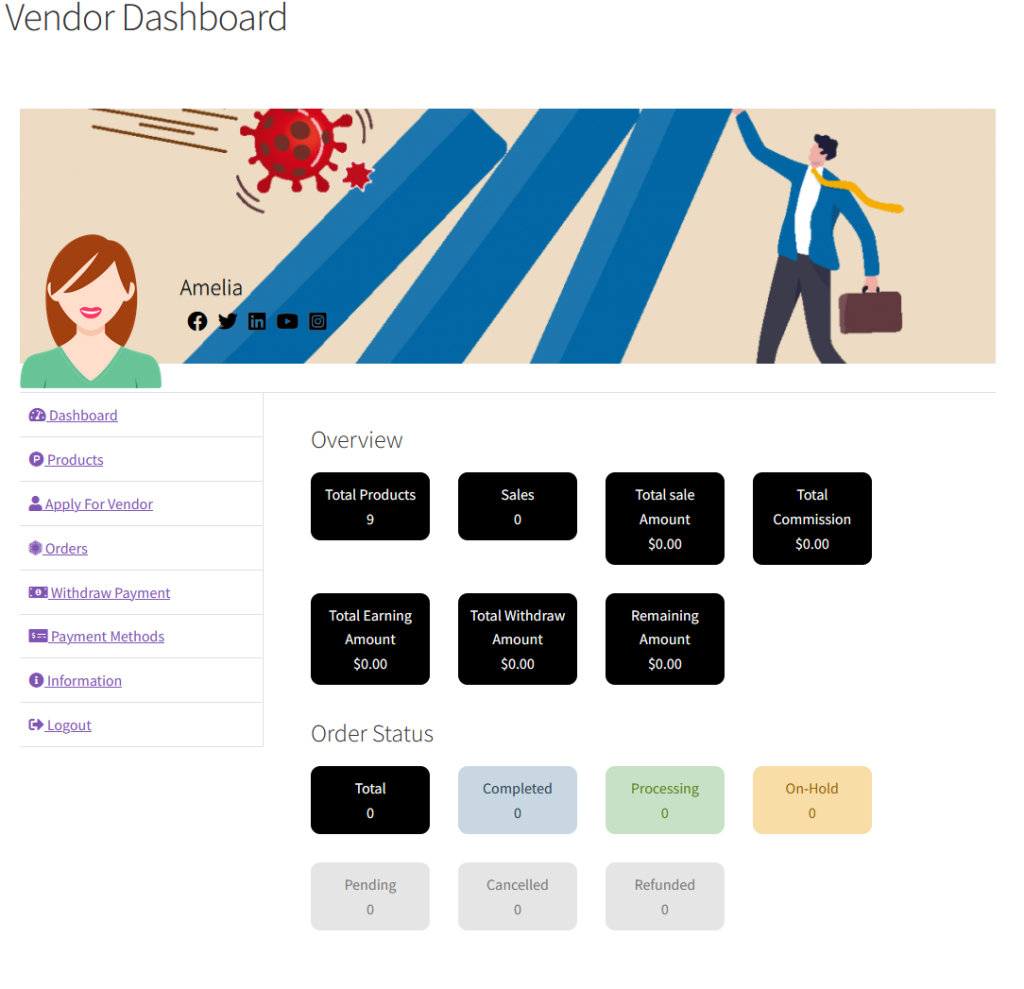
Display the vendor dashboard. It indicates the total orders, total sales, commision, total earning etc. Also display the order statuses.
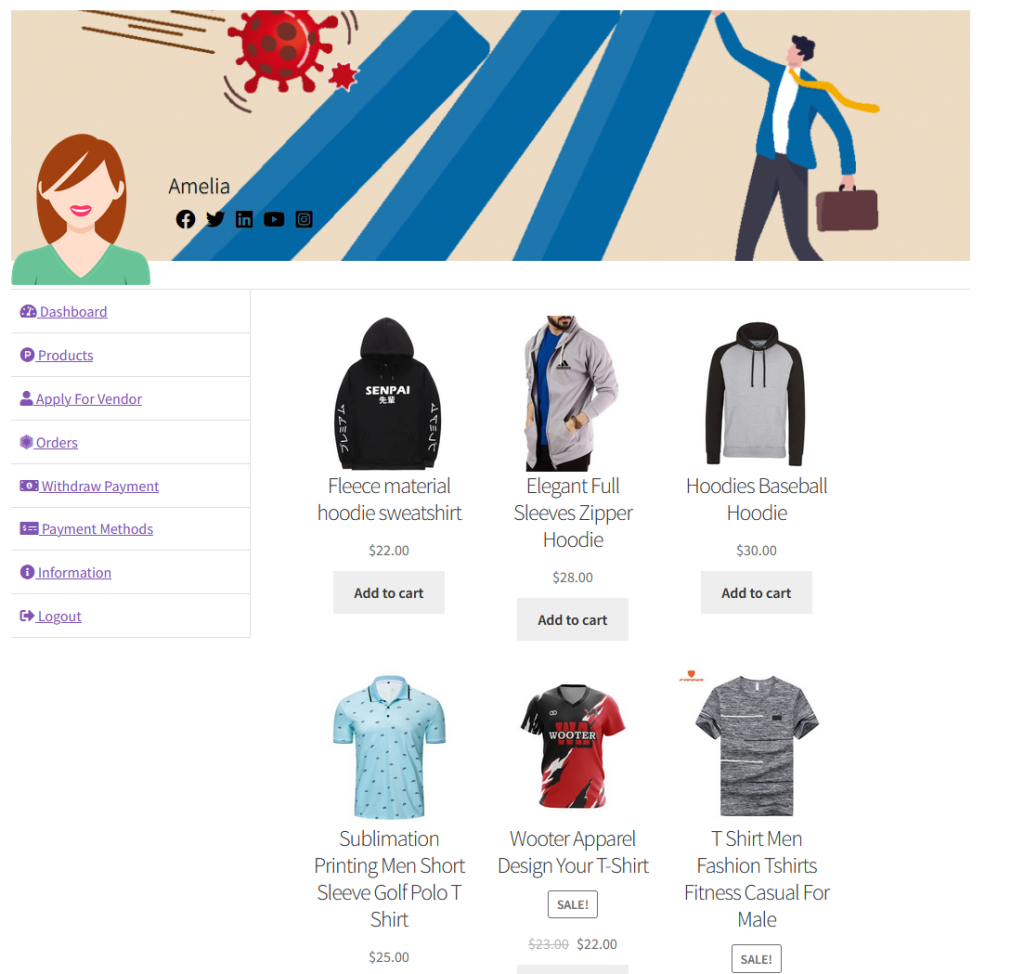
Display the vendor product
When vendor signup, in general settings youy have to set manual/auto to approve vendor status.
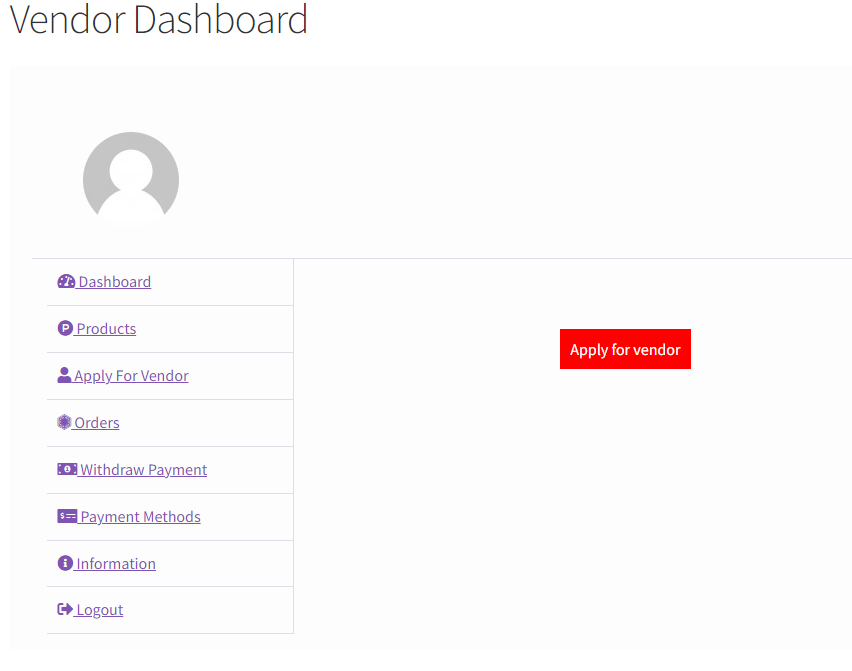
Apply for vendor. If the user role is not a vendor.
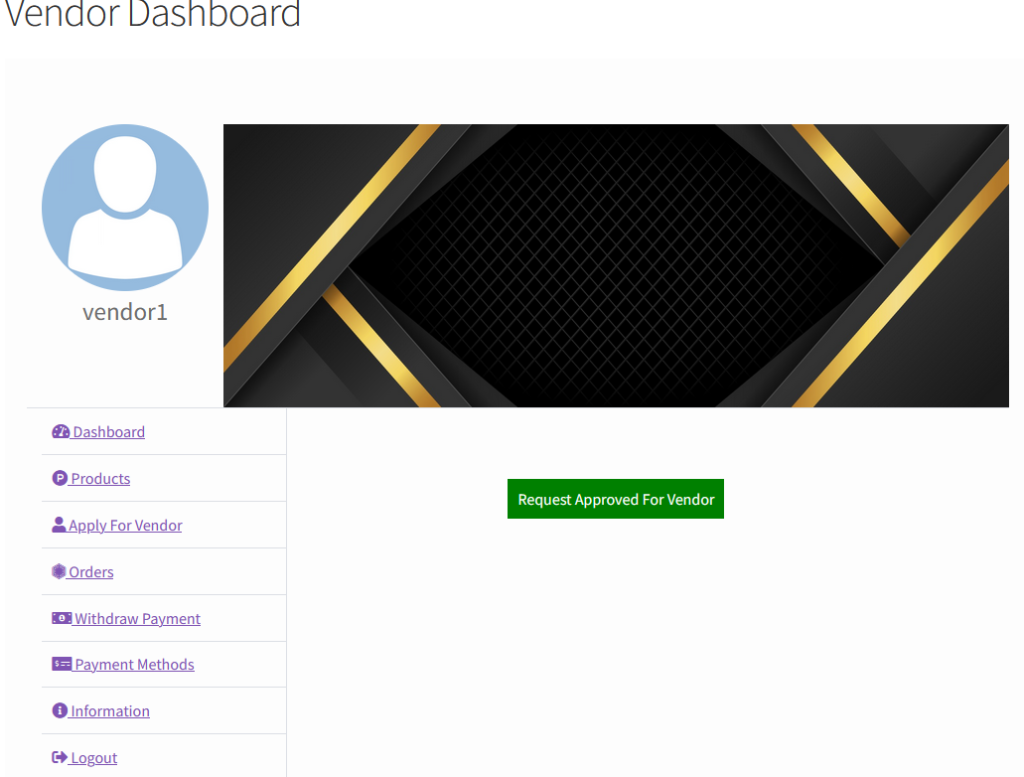
When vendor request approved.
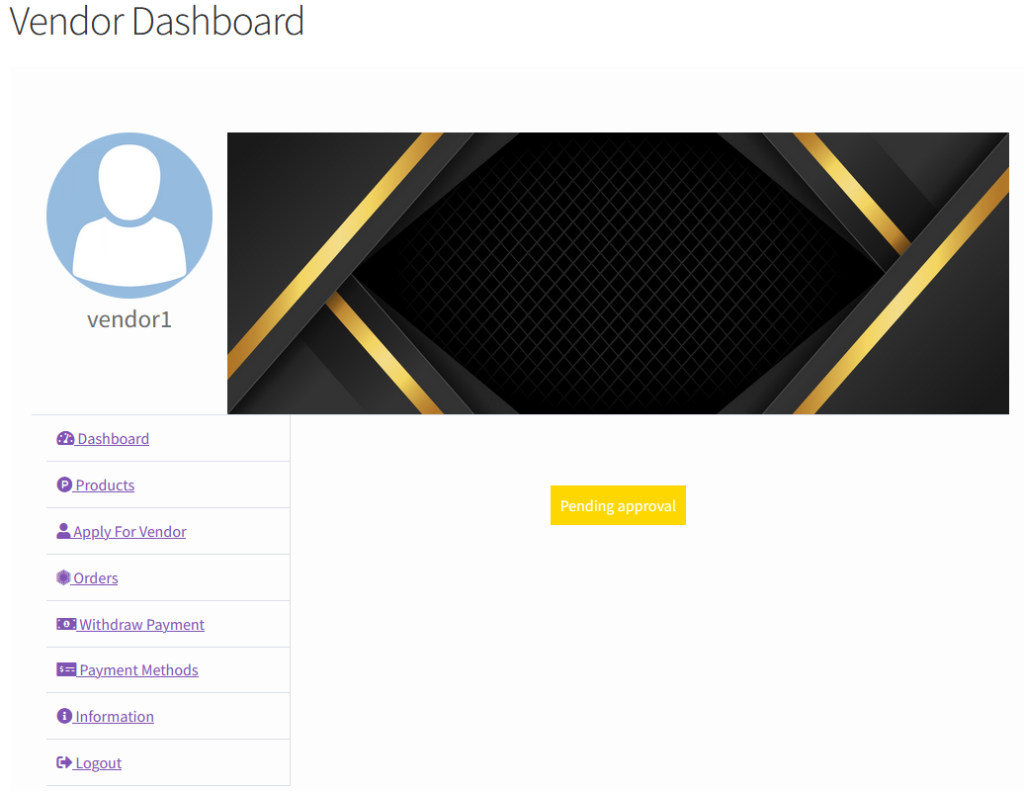
When requested for vendor and is in pending.
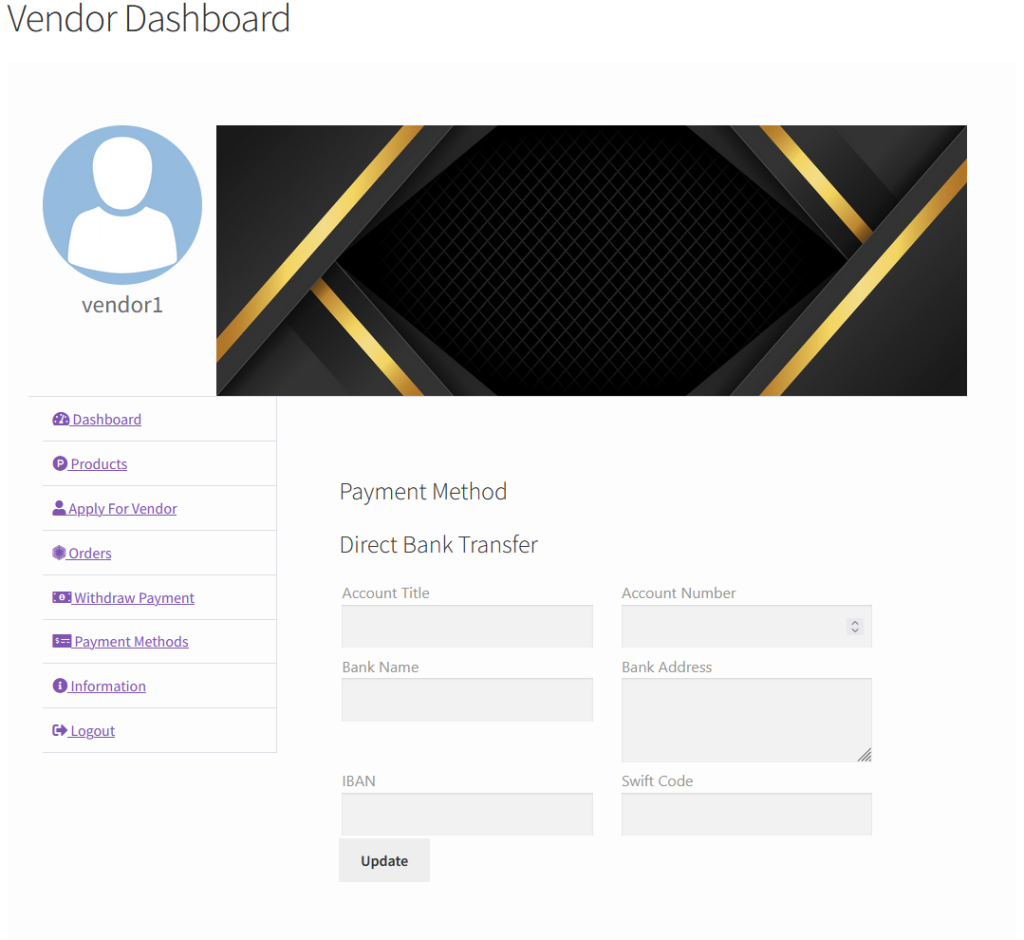
When payment method is direct bank transfer, they you need to add bank information.
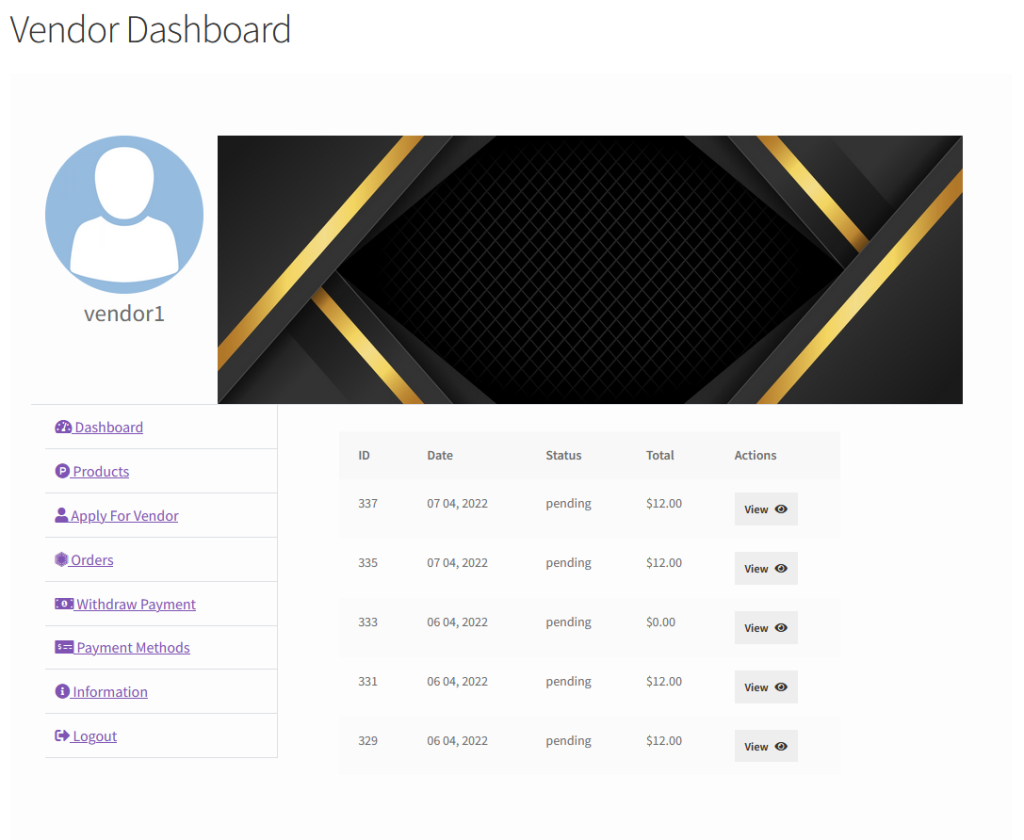
Listing vendor’s orders.
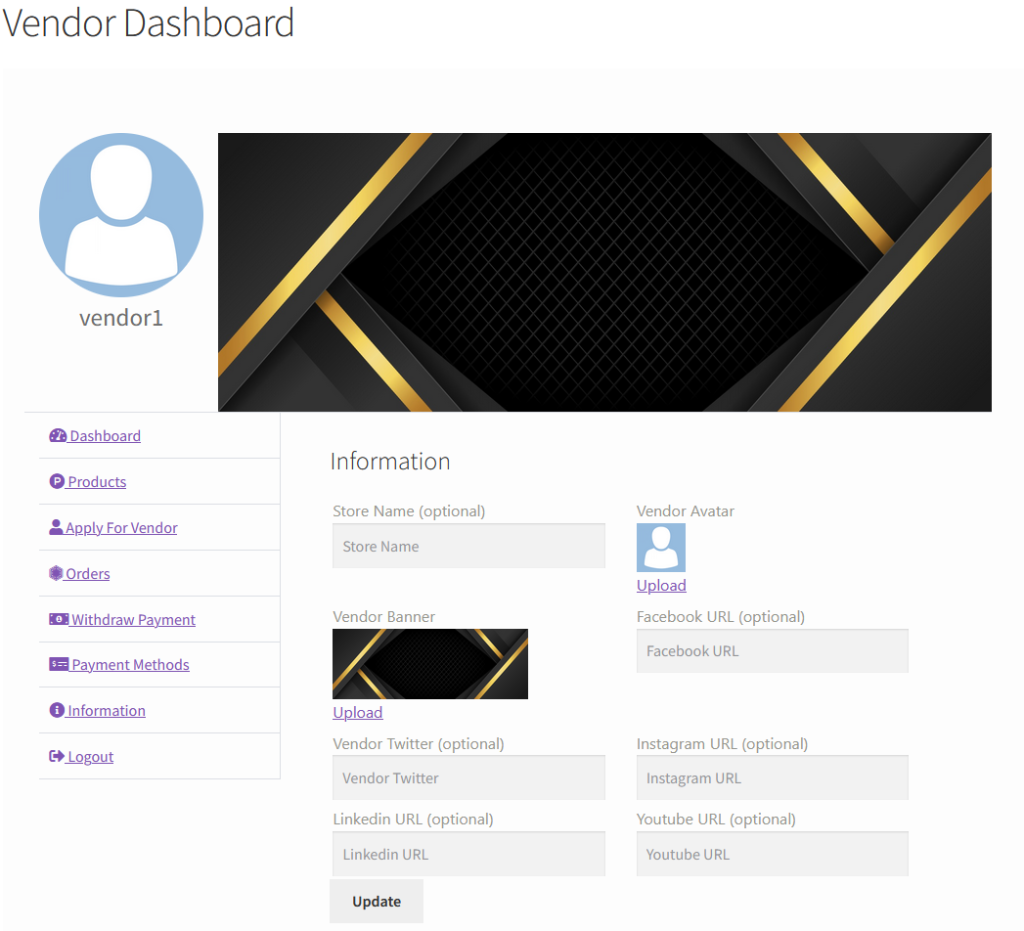
Set vendor information like avatar, banner and social media links.
Withdraw specific amount amount. It also list withdrawals by statuses.