Approve vendor product to be available for the sale. Set vendor for the product in the product settings.

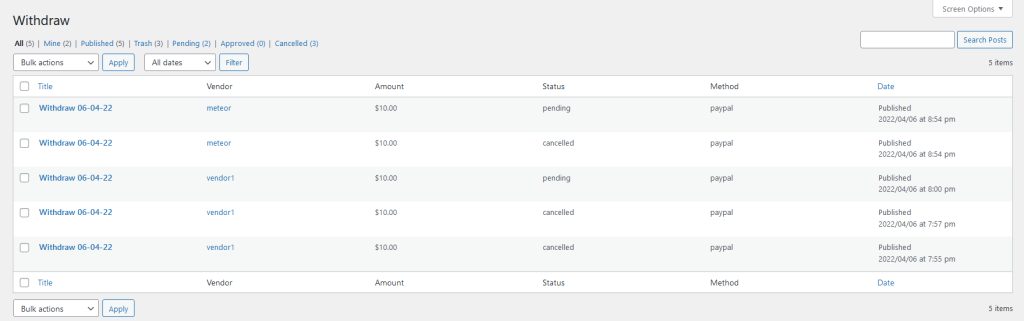
Listing all withdrawals from the vendors. Admin can also approve/cancel the withdraw request.
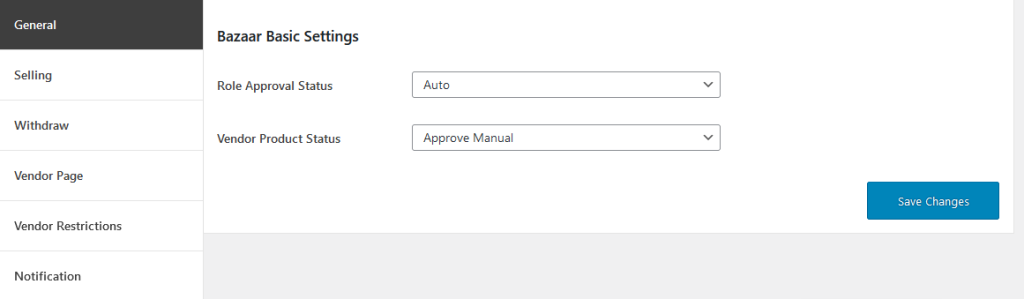
General Settings Of The Plugin
Set user role on registration. It may by customer or vendor(for marketplace). Also approve vendor’s products manually or automatically.
There is no label hard coded. You need to set labels as you need, or default labels will be shown.

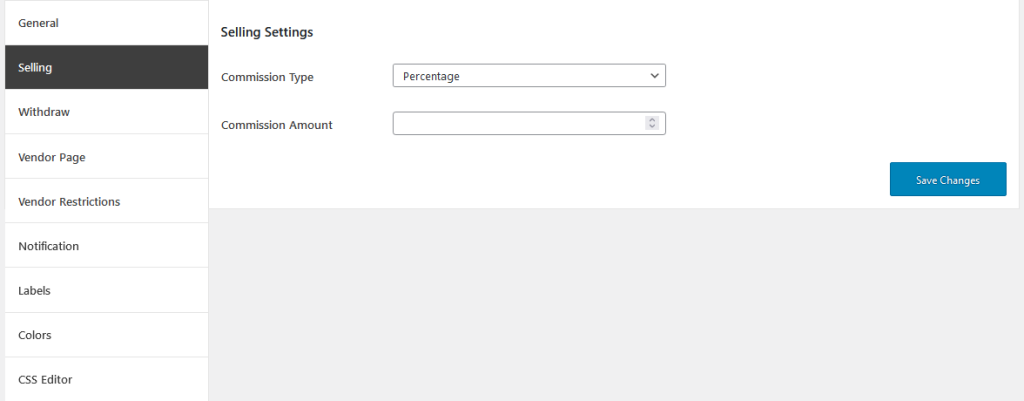
Set comission type like percentage or fixed amount, commission value, allow vendors to add products by theirselves, show products per page, hide sidebar of contact form and product columns.
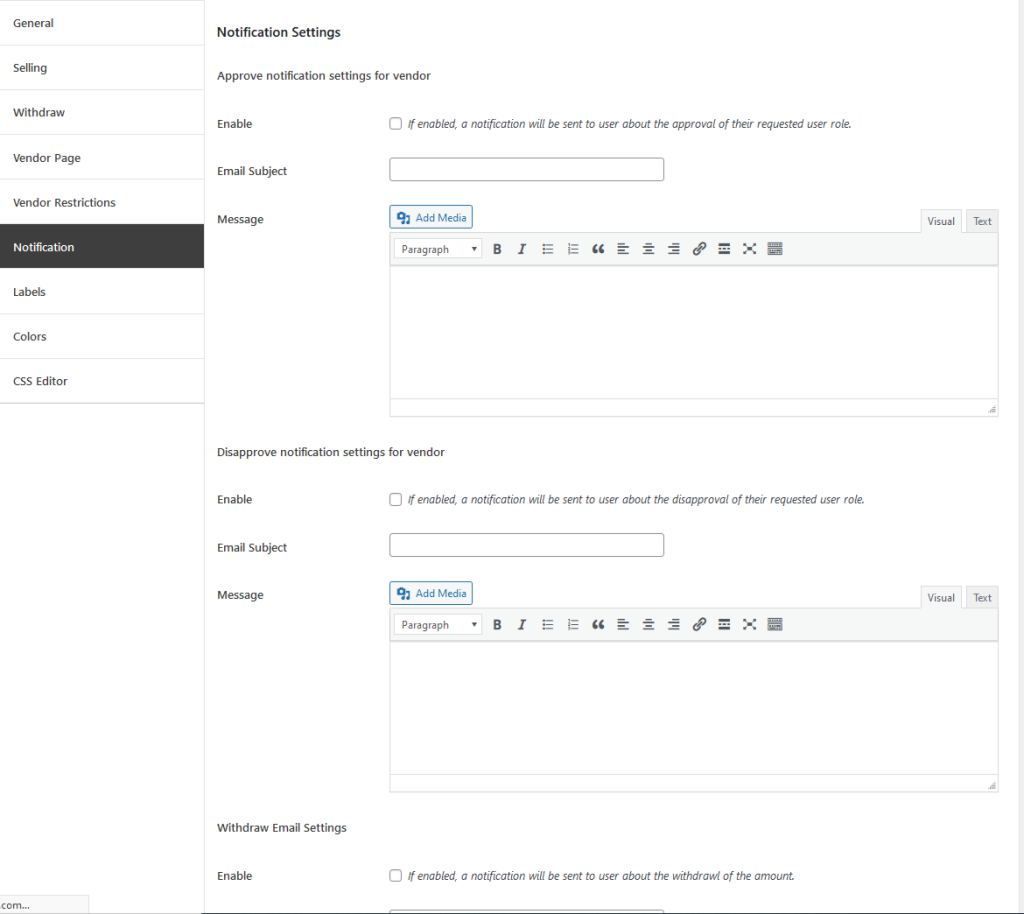
Enable and send notification on approval/disapproval of the role as a vendor and withdrawal of the amount from your account.
Set Withdraw Order Status like Completed, Processing etc to count vendors order amount and consider them as a sale, set payment metyhods and set also minimum withdraw amount.

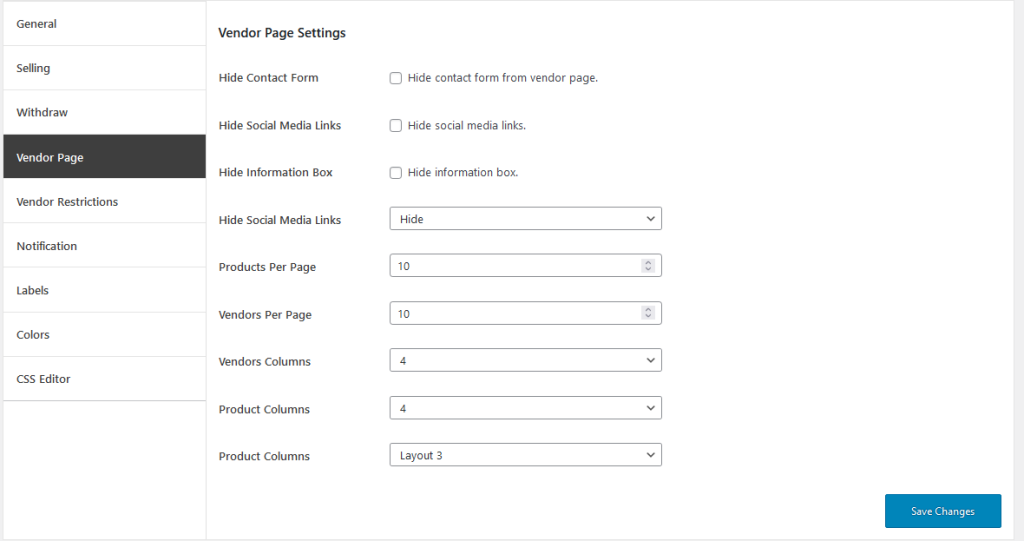
Setup vendor page settings to display vendor products and all vendors properly like number of products and vendors per page, columns of vendor and products or hide/show some information etc.
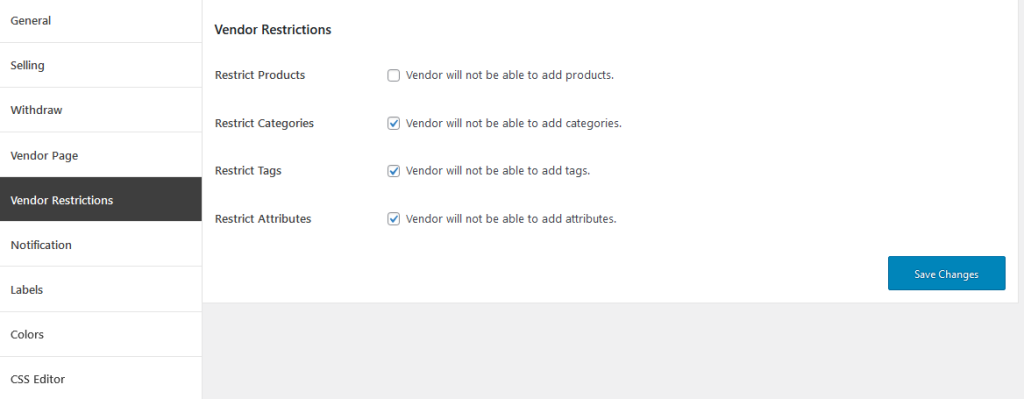
You can restrict the vendors to upload the products, product categories, product tags and product attributers also.
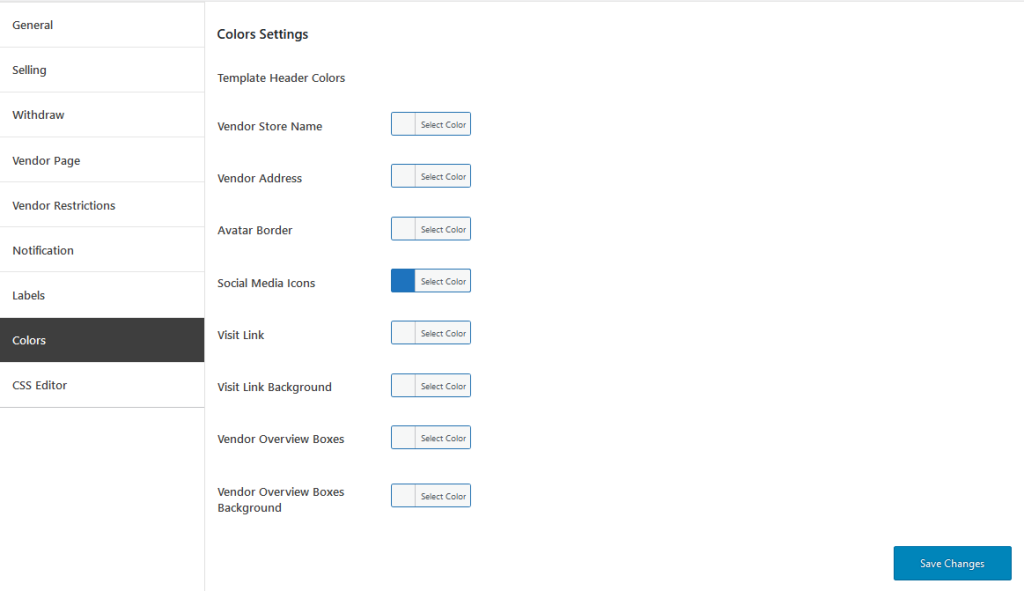
Setup the vendor template colors and dashboard boxes colors.
You can add custom CSS code using the plugin editor also.
